
Asset capitalization
Transaction → Asset Capitalization adds cost to an asset that is already registered — a major overhaul, an upgrade, a significant spare part. Rather than treating that spend as a one-off expense, capitalization adds it to the asset's book value and, where appropriate, extends its useful life.
A new engine in a truck is the classic case: the truck is worth more and will last longer, and both facts belong on the asset record.
The lifecycle, submitting, fixing and voiding are in Document basics.
Three ways to capitalize
The Capitalization Type decides how the spend is recorded.
| Type | What happens | Use it when |
|---|---|---|
| Direct to Main Asset | The cost is added to the existing asset's value, and any extra life to its useful life. No new asset is created | The spend is inseparable from the asset — an overhaul, a refit |
| Sub Asset Independent | A new asset is created underneath the main one, tracked separately with its own record and depreciation | The addition has a life of its own — a machine attachment, an add-on module |
| Sub Asset Merged | A sub-asset is recorded and merged into the main asset's value | You want the component recorded, but the value carried on the parent |
If in doubt, ask whoever owns the accounts — the choice affects depreciation and reporting, and it is much easier to decide before approval than to unpick afterwards.
Create the document
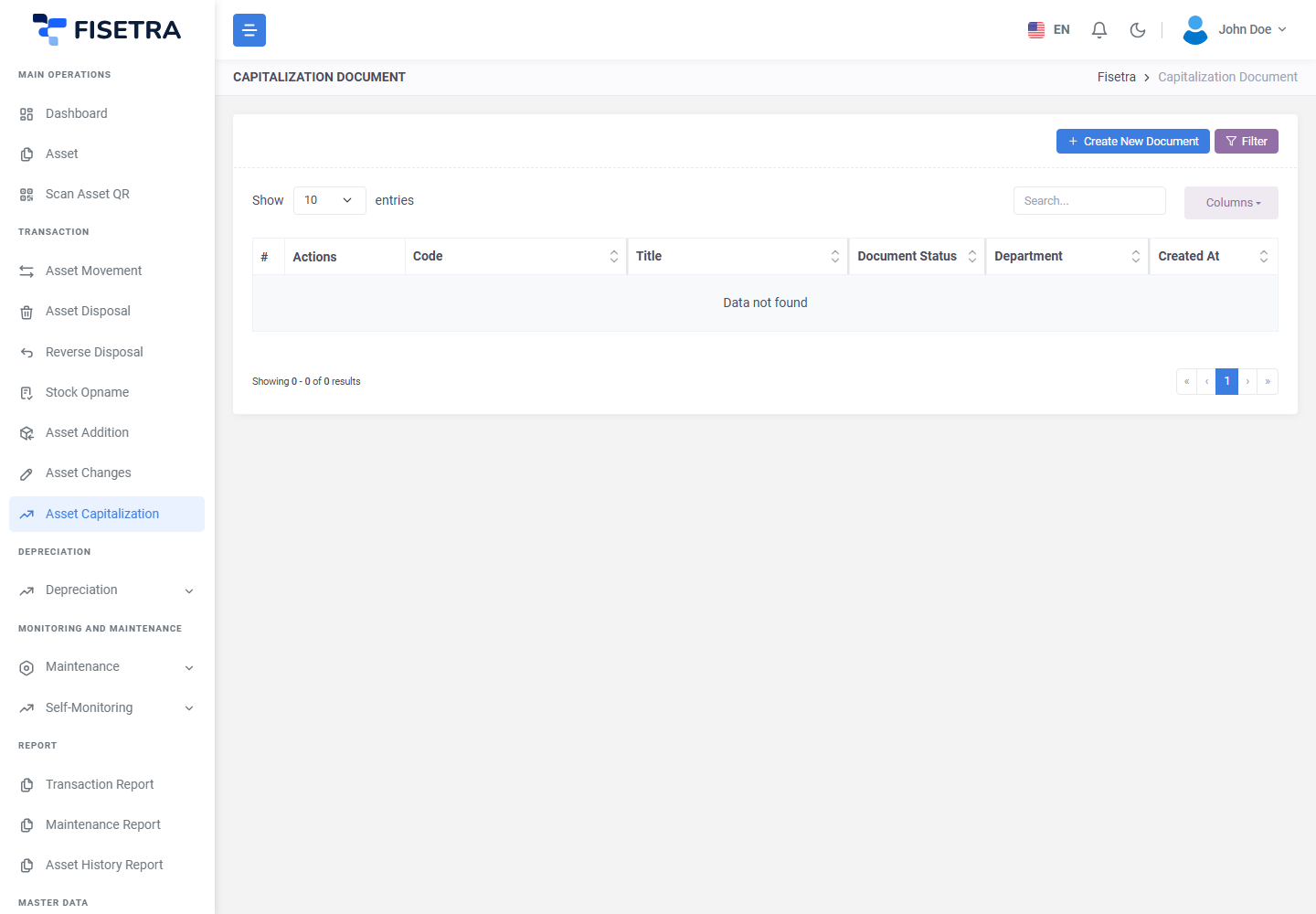
- Open Transaction → Asset Capitalization and select the create button.
- Fill in the header — its title, the currency, and the context.
- Save. The number is generated and the status is
DRAFT.
Add the assets and their costs
- On the Asset List tab, add the main asset being capitalized.
- Choose the Capitalization Type.
- Enter:
- A description of what the cost was for
- The value being added
- The additional useful life, in months, if the spend extends the asset's life
- For a sub-asset type, also give the sub-asset's number, name, purchase date and currency.
- Repeat for each asset.
Describe the cost properly. "Engine replacement, invoice INV-2026-0412" is what makes the entry intelligible in three years' time; "upgrade" is not.
Attachments and Carbon Copy
Attach the invoice or work order on the Attachment tab, and add finance on Carbon Copy.
Submit and approve
Select Document Confirmation. The document becomes PENDING and approvers are notified.
On approval:
- The asset's value increases by the amount capitalized
- Its useful life extends by the additional period, if one was given
- Sub-assets are created where the type calls for them
- The change is written to the capitalization log and the asset's history
Depreciation from that point uses the new value and the new remaining life. Earlier calculations are not rewritten. See Depreciation.
If the document is rejected it returns to you as a DRAFT; fix it and use Confirm Fix.
The capitalization log
Every asset has a capitalization log, reachable from the asset's Capitalize tab, showing each capitalization applied to it:
| Column | What it shows |
|---|---|
| Time | When it was applied |
| Document | The document that did it |
| Main Asset / Sub Asset | What was affected |
| Type | Direct, Sub Asset Independent or Sub Asset Merged |
| Previous Value → Addition → New Value | How the value changed |
| Previous Period → Add Period → New Period | How the useful life changed |
The log can be filtered by type and date range. It answers the question auditors ask most often: why is this asset worth more than it was bought for?
Capitalization versus a change document
| You want to | Use |
|---|---|
| Add new spend to an asset's value | Asset Capitalization — this chapter |
| Correct a value that was recorded wrongly | Asset changes |
The difference is real money versus a typo. Capitalization says the asset genuinely became more valuable; a change says the record was wrong. Only capitalization appears in the capitalization log.
INFO
The initial value of an asset is not capitalization — it is set when the asset is first registered. See Asset addition.
Common problems
| Problem | Why | What to do |
|---|---|---|
| An asset is not available | It is disposed, outside your visibility, or locked by an active Stock Opname | Check its status and your assignments |
| Unsure which type to use | The three behave quite differently | See the table above, and ask whoever owns the accounts |
| Depreciation did not change | It applies from the approval onwards, not retrospectively | Check the next calculation. See Depreciation |
| A sub-asset did not appear | The type was Direct to Main Asset | Direct capitalization creates no sub-asset |
| The log is empty | Nothing has been capitalized on this asset | Expected |