
Maintenance
Maintenance → Maintenance List plans and records work on your assets — the scheduled servicing that keeps things running, and the unplanned repairs when something breaks.
How it fits together
| Piece | What it is |
|---|---|
| Master Category | The kinds of maintenance you do — servicing, inspection, repair |
| Master Recurrence | Repeat patterns, so a schedule is defined once and reused |
| Master Notification | Who is told, and how far ahead |
| Event | A maintenance plan for an asset |
| Instance | One actual occurrence of that plan, on a date, tracked to completion |
An event says "service this generator every three months". Each due date produces an instance — the specific job, with its own status, comments and evidence.
Set up the three masters before creating events; events reference them.
Set up the masters
Master Category
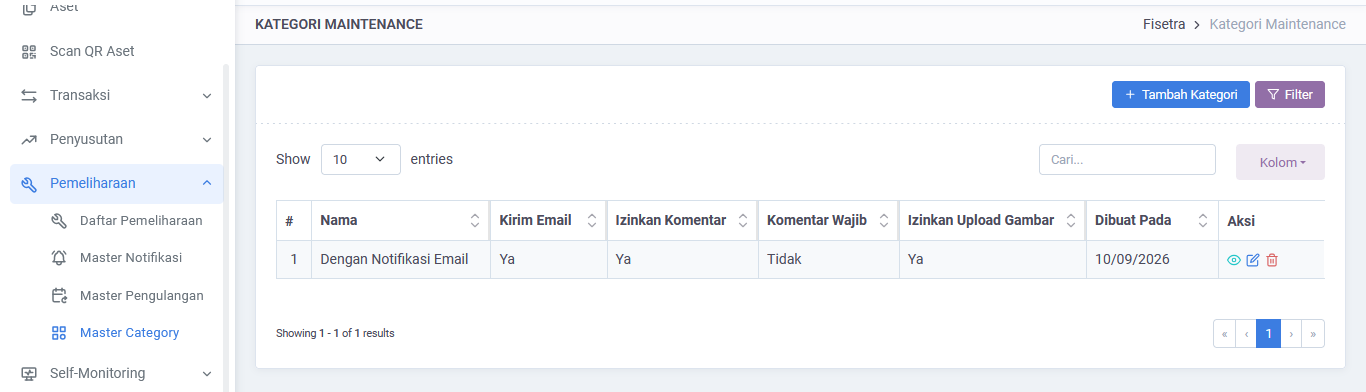
Maintenance → Maintenance List → Master Category holds your maintenance types. Keep the list short and meaningful — categories are how maintenance is grouped in reports.
Master Recurrence
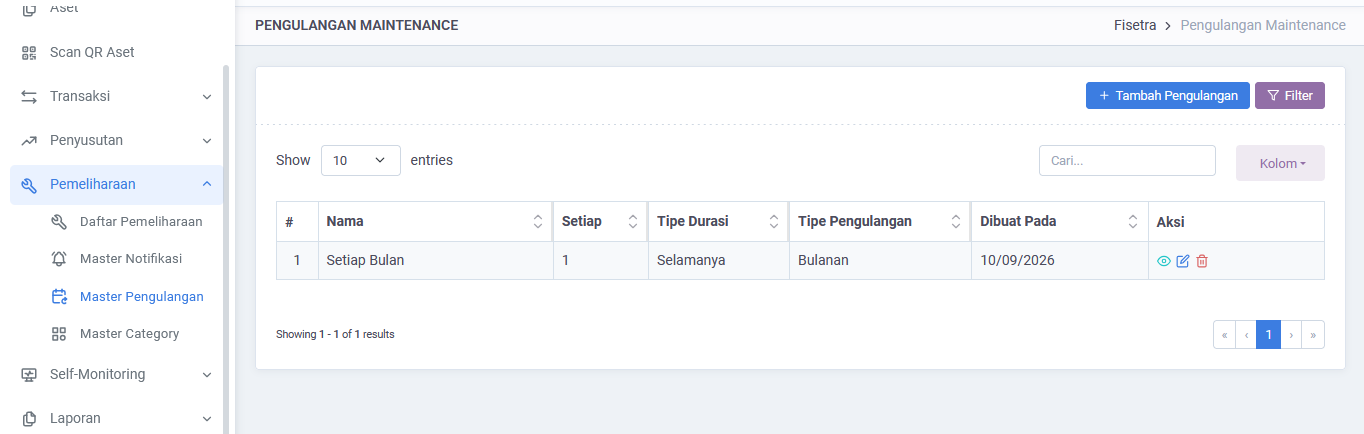
Master Recurrence defines repeat patterns. A pattern repeats daily, weekly, monthly or yearly, and either runs a set number of times, until a date, or indefinitely.
Choose deliberately. An indefinite pattern keeps generating work forever, which is right for a permanent asset and wrong for equipment on a two-year lease.
Master Notification
Master Notification decides who is told and how far ahead — in minutes, hours, days, weeks, months or years before the due date.
Set the lead time to the time genuinely needed to prepare. A notice the morning of a job that needs a part ordered is worse than useless.
Create a maintenance event
- Open Maintenance → Maintenance List → Maintenance List.
- Select the create option.
- Choose the asset and the maintenance category.
- Describe the work and set the start date.
- Choose a recurrence for repeating work, or leave it off for a one-off job.
- Choose the notification rule and the recipients.
- Save.
Fisetra generates the instances from the recurrence. Recipients do not need Fisetra accounts — they are notified by email and can confirm from the link.
Unplanned repairs
Not all maintenance is planned. An unplanned repair can be recorded directly against an asset, from the asset's Maintenance tab — see Managing assets. It goes into the same history as scheduled work, so the asset's record stays complete.
The maintenance list
Maintenance → Maintenance List opens a list of maintenance events. The table shows the type, asset, title, start date, recurrence and category. Use search, Columns and pagination to find the event you need, then choose its view action when available.
Working an instance
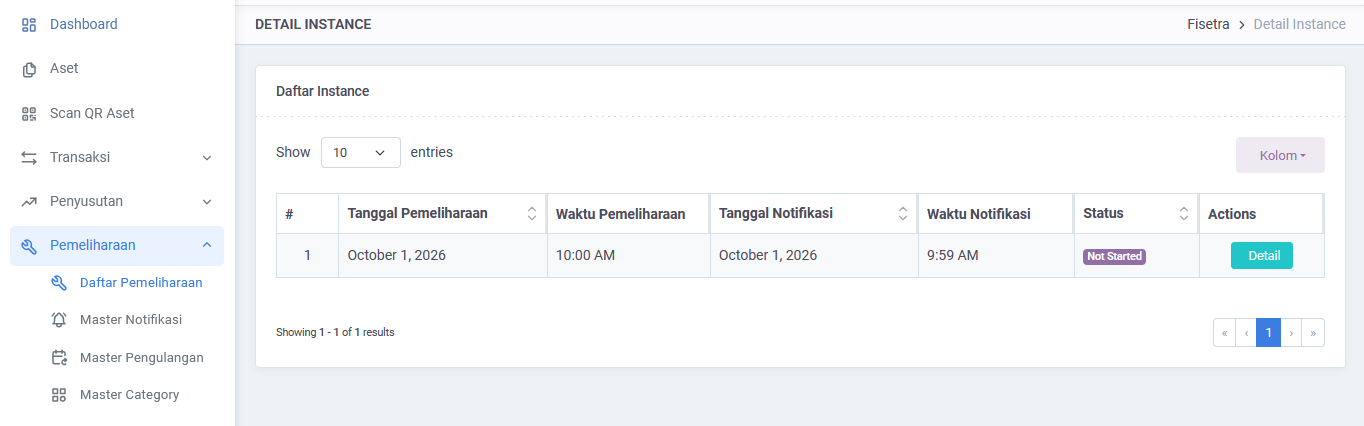
Opening an instance shows the asset, the maintenance details, the recipients and the attachments, with tabs for email progress and comments.
| Status | Meaning |
|---|---|
NOT_STARTED | Generated, not yet begun |
IN_PROGRESS | Under way |
COMPLETED | Finished |
The tabs track who has been told and who has responded:
| Tab | Contains |
|---|---|
| UNSENT EMAILS | Recipients not yet notified |
| SENT UNCONFIRMED EMAILS | Notified, no response yet |
| CONFIRMED EMAILS | Confirmed |
| COMMENTS | The work log |
Actions
| Action | When to use it |
|---|---|
| Send Notifications | Notify recipients who have not yet been told |
| Resend to Unconfirmed | Chase those who have not responded |
| Add Comment | Record what was done, what was found, what is still needed |
| Mark as Complete | Close the instance when the work is done |
Mark as Complete appears only while the instance is IN_PROGRESS — an instance that has never started cannot be closed, which stops work being silently skipped.
Comments as the work log
Comments are the record of what actually happened. Each is Open or Close, so an unresolved finding stays visible rather than being lost in a list.
Write them for whoever reads the asset's history next year, not for yourself today.
Confirming from an email
Recipients get an email with a link to a page where they confirm the work and add comments and attachments, without signing in.
This is how field technicians and external contractors take part without needing accounts.
WARNING
The link is personal and single-use. Do not forward a maintenance email.
Reporting
The Maintenance Report covers work across assets, categories and periods — see Reports. Maintenance on one asset is on that asset's Maintenance tab.
Common problems
| Problem | Why | What to do |
|---|---|---|
| No instances were generated | The event has no recurrence, or its pattern has ended | Check the event's recurrence |
| Recipients report no email | Notifications not sent yet, address wrong, or mail is queued | Check UNSENT EMAILS, then Send Notifications |
| Mark as Complete is not shown | The instance is still NOT_STARTED | It must be IN_PROGRESS first |
| Notification arrived too late to act | The lead time is too short | Adjust it in Master Notification |
| Work is generated for a disposed asset | The event outlived the asset | Remove or end the event |
| A master list is missing from the menu | Your role does not include it | Ask your administrator |